
The Spendwell Debit Card is a modern prepaid debit card designed to give you more control over your money without the hassle of traditional banking. Backed by a secure online platform, the Spendwell Debit Card helps you manage your finances, make purchases, pay bills, and even earn cashback rewards — all in one convenient system.
If you’re looking for a simple, flexible, and fee-friendly way to handle everyday expenses, this guide will walk you through everything you need to know about the Spendwell Debit Card, including how it works, its benefits, and how to get one.
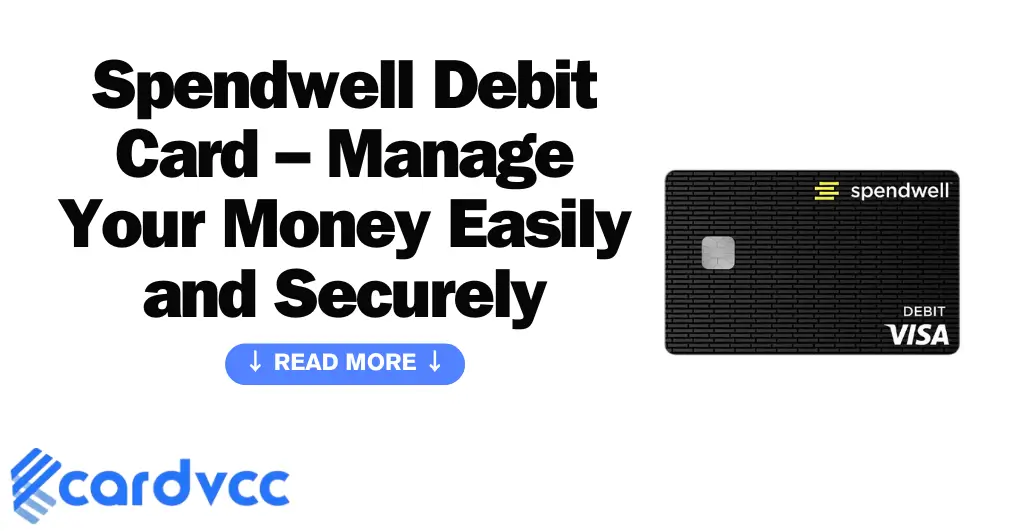
What Is the Spendwell Debit Card?
The Spendwell Debit Card is a reloadable prepaid debit card issued by Metabank (Member FDIC) and offered through Walmart. It’s designed to function like a traditional debit card, but without requiring a credit check or a bank account.
You can load money onto your Spendwell card through direct deposits, cash reloads at Walmart, or online transfers — then use it anywhere Visa or Mastercard debit cards are accepted.
Key Features at a Glance
- No credit check required
- FDIC-insured balance
- Mobile app for easy management
- Direct deposit options
- Cashback rewards on eligible purchases
- Available both as a standard and “Spendwell Cash Back” version
Types of Spendwell Debit Cards
Spendwell offers two main types of cards, giving users flexibility based on their needs:
1. Spendwell Cash Back Debit Card
This version rewards you with 2% cashback on eligible purchases made at Walmart, both in-store and online. It’s ideal for frequent Walmart shoppers who want to earn rewards while managing their spending.
2. Spendwell Bank Account Debit Card
This is a more standard prepaid card with access to banking-like features, including bill payments, money transfers, and ATM access — without the cashback program.
Both versions can be managed through the Spendwell mobile app, available for iOS and Android.
How to Get a Spendwell Debit Card
Getting a Spendwell Debit Card is simple and quick.
Steps to Apply:
- Visit Spendwell.com or Walmart: Choose between the Spendwell Cash Back or Bank Account card.
- Sign Up: Provide your name, address, and basic personal details. No credit check is required.
- Activate the Card: Once your card arrives by mail, activate it online or via the Spendwell app.
- Add Funds: Load money through direct deposit, Walmart cash reload, or mobile check deposit.
Once activated and funded, you can use your Spendwell Debit Card instantly for purchases or bill payments.
How to Add Money to Your Spendwell Debit Card
Funding your Spendwell Debit Card is flexible and convenient. You can add money in multiple ways:
- Direct Deposit: Have your paycheck, government benefits, or tax refund deposited directly into your card.
- Walmart Cash Reload: Add cash at Walmart registers for a small fee.
- Bank Transfer: Move money from another account via ACH.
- Mobile Check Deposit: Deposit checks by snapping a picture in the Spendwell app.
Funds are typically available immediately or within minutes, depending on the deposit method.

Where Can You Use the Spendwell Debit Card?
Your Spendwell Debit Card works anywhere Visa or Mastercard debit cards are accepted, including:
- Retail stores and supermarkets
- Gas stations and restaurants
- Online shopping websites
- Bill payment portals
- ATMs for cash withdrawals
This flexibility makes it a great tool for people who want banking access without the limitations of a traditional account.
Benefits of the Spendwell Debit Card
Using the Spendwell Debit Card offers several advantages that make it stand out among prepaid cards:
No Bank Account Needed
Anyone can apply and start using the card, even without a traditional bank account.
FDIC Insured
Your funds are protected up to the legal limit, giving you peace of mind.
Cash Back Rewards
Earn up to 2% cashback on eligible Walmart purchases with the Spendwell Cash Back version.
Direct Deposit Access
Get your paycheck or benefits up to two days earlier than traditional banks.
Budget-Friendly
Use the mobile app to track spending, check balances, and manage transactions in real time.
Nationwide Acceptance
Accepted at millions of locations, both online and in stores.
Fees Associated with the Spendwell Debit Card
While Spendwell aims to keep fees low, it’s important to know the possible costs:
| Service | Fee | Notes |
|---|---|---|
| Monthly Fee | $0 – $5 | Depending on card type |
| Cash Reload at Walmart | Up to $3.74 | Per transaction |
| ATM Withdrawal | $3 | Plus possible ATM operator fees |
| Balance Inquiry | $0.50 | If done at an ATM |
| Replacement Card | $5 | Per request |
The Spendwell Cash Back Card has a small monthly fee, but frequent Walmart shoppers often offset it with cashback earnings.

Security Features of the Spendwell Debit Card
Spendwell takes security seriously. Each card includes:
- EMV Chip Protection – Guards against counterfeit fraud.
- Card Lock Feature – Freeze or unfreeze your card instantly in the app.
- Real-Time Alerts – Get instant notifications for purchases and withdrawals.
- Zero Liability Policy – You’re not responsible for unauthorized transactions.
- FDIC Protection – Your funds are insured up to the legal limit.
These features make the Spendwell Debit Card a secure choice for managing personal finances digitally.
Managing Your Account with the Spendwell App
The Spendwell mobile app gives you total control of your card and account.
With the App, You Can:
- Check your balance instantly
- View your transaction history
- Deposit checks via mobile
- Set up recurring payments
- Manage your cashback rewards
- Lock or unlock your card
The app provides a seamless experience for users looking to manage finances from their phone.
Pros and Cons of the Spendwell Debit Card
Pros:
- No credit check or banking requirements
- Cashback rewards at Walmart
- Early direct deposit access
- Simple online and in-app management
- Widely accepted
Cons:
- Some ATM and reload fees apply
- Cashback rewards are limited to Walmart
- No physical branch access
Despite the few limitations, the Spendwell Debit Card remains a strong option for people seeking a modern, low-barrier way to manage their money.
Spendwell Debit Card vs Other Prepaid Cards
| Feature | Spendwell Debit Card | NetSpend | Green Dot |
|---|---|---|---|
| Cashback | 2% at Walmart | None | Up to 2% |
| Monthly Fee | $0–$5 | $5–$9.95 | $7.95 |
| Direct Deposit | Yes | Yes | Yes |
| Mobile App | Yes | Yes | Yes |
| ATM Access | Yes | Yes | Yes |
Spendwell’s main advantage is its cashback rewards and lower monthly costs for Walmart shoppers.

FAQs About the Spendwell Debit Card
How do I activate my Spendwell Debit Card?
Can I use my Spendwell Debit Card internationally?
How do I check my Spendwell Debit Card balance?
What should I do if my Spendwell Debit Card is lost or stolen?
Does the Spendwell Debit Card help build credit?
Conclusion
The Spendwell Debit Card is a reliable and user-friendly prepaid card that makes managing your finances straightforward and secure. With cashback rewards, mobile account management, and no need for a credit check, it’s perfect for anyone who wants banking convenience without the traditional requirements.
Whether you choose the Spendwell Cash Back version for Walmart rewards or the standard card for everyday use, you’ll enjoy flexibility, safety, and control over your spending — all in one card.