Have you ever checked your bank statement and spotted a charge labelled “CCBill” that you don’t recognise? Seeing unexpected fees can be confusing and even a little worrying.
You might be asking yourself, “Why do I have a CCBill charge on my account? ” This article will help you understand what CCBill charges are, why they appear, and what steps you can take if the charge wasn’t authorised by you.
Keep reading to clear up the mystery and take control of your finances.
Common Reasons For CCBill Charges
Seeing a CCBill charge on your bank statement can cause surprise or confusion. CCBill is a payment processor that handles transactions for many online services. Common reasons for CCBill charges include subscriptions, one-time purchases, and trial period renewals. Understanding these reasons helps you identify the source of the charge quickly. This knowledge also helps in managing your online spending and avoiding unexpected fees.
Subscription Services
Subscription services are one of the main causes of CCBill charges. Many websites and apps use CCBill to collect monthly or yearly fees from users. These services often offer access to content, software, or memberships. The charge usually appears regularly until you cancel the subscription.
Examples of subscription services:
- Streaming platforms (videos, music, or live events)
- Online magazines or eBooks
- Fitness or wellness programs
- Dating websites or apps
- Special interest forums or communities
Subscriptions may have different billing cycles, such as:
| Billing Cycle | Description |
|---|---|
| Monthly | Charged every month, usually on the same date. |
| Quarterly | Charged every three months. |
| Yearly | Charged once a year, often at a discounted rate. |
Tip: Always read the terms before subscribing. Some subscriptions auto-renew and can be hard to cancel.
One-time Purchases
One-time purchases also cause CCBill charges. These are single payments made for products or services. Unlike subscriptions, they do not repeat automatically.
Common examples of one-time purchases include:
- Buying digital downloads like music or videos
- Paying for access to a special online event or webinar
- Purchasing software or apps
- Ordering physical goods through websites using CCBill
One-time charges usually appear just once on your statement. However, sometimes refunds or disputes can cause multiple charges or credits.
How to track one-time purchases:
- Check email receipts for purchase details.
- Review the merchant name appearing with the CCBill charge.
- Contact the merchant for clarification if needed.
Trial Periods And Renewals
Trial periods often lead to unexpected CCBill charges. Many services offer free or low-cost trials before starting regular billing. After the trial ends, the service renews automatically and charges your card.
Important facts about trial periods and renewals:
- Trial length can range from a few days to a month.
- You must cancel before the trial ends to avoid charges.
- Renewals often happen without a separate notification.
Here is a simple timeline showing how trial periods and renewals work:
| Step | Action | Result |
|---|---|---|
| 1 | Start free trial | Access to service without charge |
| 2 | Trial period ends | Automatic billing begins |
| 3 | Renewal charges appear | Regular subscription fee applied |
Note: Always set reminders to cancel trials if you do not want to pay. Check your statements regularly to catch unplanned renewals.
How To Identify Ccbill Charges
Seeing a CCBill charge on your bank or credit card statement can be confusing. Many wonder, “Why do I have a Ccbill charge?” or how to identify if this charge is legitimate. Understanding CCBill billing helps you recognise the source of the charge and decide if it is authorised. This section explains how to identify Ccbill charges clearly and simply.
Checking Your Billing Statement
Start by carefully reviewing your CCBill billing statement or bank statement. The goal is to find the Ccbill transaction details that explain the charge.
Look for the following information on your statement:
- Date of the charge: Check if it matches any recent online purchases.
- Amount charged: See if this matches any subscriptions or one-time payments you made.
- Merchant name: This helps with merchant identification, Ccbill.
- Transaction description: Sometimes it includes details about the service or product.
Use this table to understand common terms you might see:
| Term | Meaning |
|---|---|
| Ccbill Transaction | Payment processed through CCBill’s platform. |
| Recurring Charge | Automatic monthly or yearly payments for subscriptions. |
| Disputed Charge | A charge you believe is unauthorised or incorrect. |
Careful checking of your billing statement lets you spot any unauthorised CCBill charge early. If the charge is unclear, note the date and amount for quick reference when contacting Ccbill customer support.
Recognising Merchant Names
Many CCBill charges show a merchant name that can be confusing. The merchant name on your statement often differs from the company you bought from. This is part of the merchant identification Ccbill process.
Here are some tips for recognising merchant names linked to Ccbill charges:
- Search the merchant name online to see what business it matches.
- Check if the name relates to a subscription service or website you visited.
- Look for variations of the name, as some merchants use different business names.
Below is an example list of common merchant names related to Ccbill charges:
| Merchant Name | Possible Service |
|---|---|
| CCBill.com | General payment processor name |
| XYZ Media | Subscription or content service |
| ABC Membership | Membership or club subscription |
Understanding CCBill billing means knowing that the merchant name might not look familiar. Confirm any charge by matching it with your recent online activity. For any disputed Ccbill charges, contact Ccbill customer support to clarify or resolve the issue quickly.
Steps To Take If You Don’t Recognise A Charge
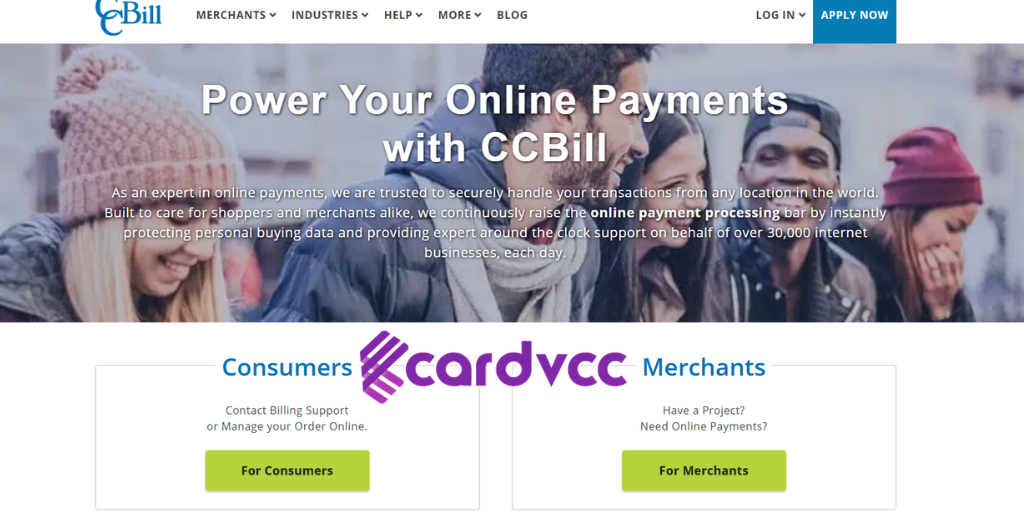
Seeing a charge from CCBill on your statement without recognising it can cause concern. This situation calls for quick and clear steps to understand the charge and protect your finances. Taking the right actions can help you resolve the issue efficiently and avoid future problems. Below are important steps to follow if a CCBill charge looks unfamiliar.
Contacting Ccbill Support
Start by reaching out to CCBill’s customer support. They can provide details about the charge and the merchant linked to it. Have your billing statement and any related information ready to speed up the process.
- Find the transaction date and amount. This helps locate the exact charge.
- Note the merchant name. Sometimes the charge shows the merchant’s name in small letters.
- Use CCBill’s official website or phone number. Avoid third-party contacts to prevent scams.
When you contact support, be clear and polite. Explain your situation and ask for a detailed description of the charge. CCBill can:
| What CCBill Support Can Do |
|---|
| Confirm if the charge is valid |
| Provide merchant information |
| Guide on next steps for disputes |
| Help with refund procedures |
Keep a record of all communications. This can help if you need to escalate the issue later.
Disputing Unauthorised Charges
If the charge is unauthorised, act quickly to dispute it. Most banks and credit card companies have a process to handle disputes and protect your money.
- Contact your bank or card issuer immediately. Report the unknown charge.
- Provide proof of your claim. Use receipts, previous statements, or CCBill support responses.
- Follow your bank’s dispute process. This may include filling out forms or providing written statements.
Disputing charges usually involves these key points:
- Timely reporting, often within 60 days
- Providing clear evidence of unauthorised use
- Monitor your account for further unauthorised activity
While your dispute is reviewed, your bank may place a temporary hold or refund the charge. Stay in touch with both your bank and CCBill support to track progress.
Reviewing Your Account Security
Unknown charges can signal a security problem. Review your account and online safety to prevent future unauthorised charges.
- Change passwords for your bank and CCBill accounts immediately.
- Enable two-factor authentication if available.
- Check recent transactions for any other suspicious activity.
- Update your contact details to receive alerts quickly.
Consider these security tips:
| Security Action | Why It Helps |
|---|---|
| Strong, unique passwords | Stops hackers from accessing multiple accounts |
| Two-factor authentication | Adds an extra layer of protection |
| Regular account monitoring | Quickly finds unauthorised charges |
| Secure Wi-Fi networks | Prevents data interception |
Preventing Unexpected Ccbill Charges
Unexpected CCBill charges can be confusing and frustrating. These charges often appear due to active subscriptions or recurring payments you might have forgotten. Preventing unexpected CCBill charges starts with understanding how to manage your subscriptions and ensuring your payments are secure. Taking simple steps helps avoid unwanted fees and protects your money from unauthorised CCBill charges.
Managing Subscriptions
Managing CCBill subscriptions effectively is key to stopping surprise charges. Many users forget about active subscriptions or miss renewal dates. This leads to unwanted CCBill recurring charges. To avoid this, always keep track of your subscriptions and know how to perform subscription cancellation with Ccbill if needed.
Here are some tips to manage your subscriptions:
- Check your email for subscription confirmations and renewal alerts.
- Visit the merchant’s website to view your subscription status.
- Use the CCBill customer support if you are unsure about any charges.
- Cancel subscriptions promptly when no longer needed to avoid future charges.
Below is a simple table showing common actions related to managing CCBill subscriptions:
| Action | Description |
|---|---|
| Identify Subscriptions | Check your bank or credit card statements for CCBill recurring charges. |
| Subscription Cancellation Ccbill | Use the merchant’s website or contact CCBill customer support to cancel. |
| Monitor Renewal Dates | Set reminders before the subscription renews to decide if you want to continue. |
| Track Email Alerts | Watch for billing notifications or payment confirmations from CCBill. |
Remember, identifying CCBill transactions early helps prevent charges from piling up. Always review your accounts regularly to catch any unauthorised CCBill charges.
Using Secure Payment Methods
Secure online payments reduce the risk of unauthorised CCBill charges. Using trusted payment methods protects your financial data and helps avoid CCBill payment disputes. Always choose secure and verified ways to pay online.
Follow these guidelines for safer payments:
- Use credit cards with fraud protection instead of debit cards.
- Enable two-factor authentication on your payment accounts.
- Pay through official merchant sites and avoid third-party links.
- Check for HTTPS in the website URL to ensure encryption.
- Review billing statements regularly for any suspicious CCBill charges.
Here is a checklist for secure online billing:
1. Verify merchant legitimacy before payment.
2. Use strong, unique passwords for payment accounts.
3. Avoid saving card details on unknown websites.
4. Report unauthorized charges immediately to CCBill customer support.
5. Keep your device’s software updated to prevent security gaps.
Understanding CCBill’s Role In Online Payments
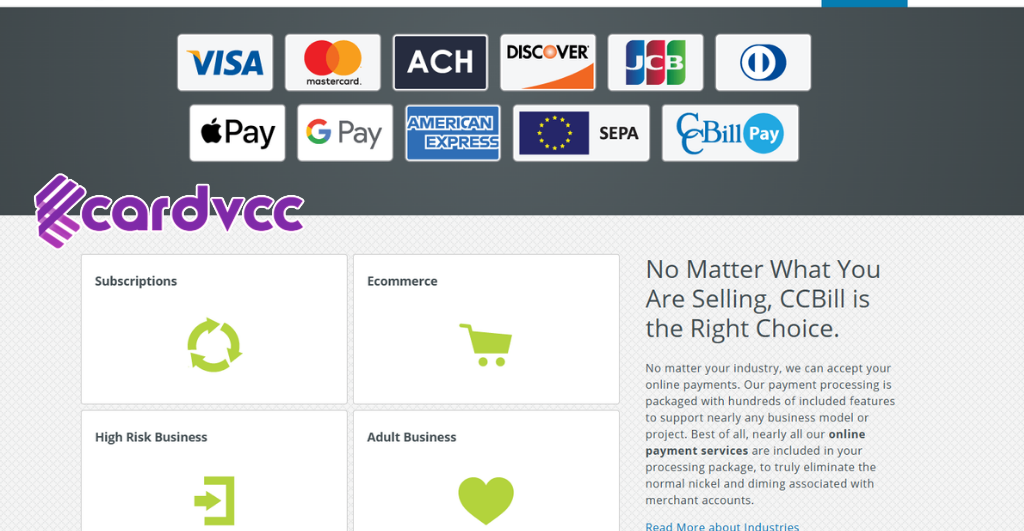
Many people notice a CCBill charge on their bank or credit card statements and wonder what it means. Understanding CCBill’s role in online payments helps clarify these charges. CCBill is a company that provides online payment processing services. It acts as a middleman between customers and merchants, ensuring payments are secure and efficient. This service is common for websites that offer subscriptions, memberships, or adult content, where recurring payments are frequent.
How Ccbill Processes Payments
CCBill works as a payment gateway that handles transactions between buyers and sellers. When you make a purchase or subscribe to a service, CCBill processes the payment securely on behalf of the merchant. It collects your payment details and sends the transaction to your bank for approval.
The process involves:
- Customer submits payment info on a merchant’s website.
- CCBill securely encrypts the data.
- The payment request is sent to the bank or card issuer.
- The bank approves or declines the transaction.
- CCBill notifies the merchant of the result.
CCBill merchant services also support subscription charges, which means they can automatically bill your card at set intervals. This explains why some charges repeat regularly. The company manages these recurring transactions to ensure smooth billing.
| Step | Action | Purpose |
|---|---|---|
| 1 | Customer enters payment info | Start the transaction |
| 2 | Data encrypted by CCBill | Protect sensitive info |
| 3 | Payment sent to the bank | Request approval |
| 4 | Bank approves/declines | Confirm payment |
| 5 | CCBill notifies the merchant | Complete transaction |
Why Charges Appear As Ccbill
Charges often show up on statements as CCBill instead of the merchant’s name. This happens because CCBill is the billing descriptor used by the payment processor. Many merchants use CCBill to handle their payments, so your bank sees CCBill as the payee.
This can be confusing for people who do not recognise the name. It does not mean the charge is unauthorised. Most times, it is a CCBill transaction for a service you subscribed to or purchased.
Common reasons for seeing CCBill on your statement include:
- Subscription charges you agreed to.
- One-time purchases through a merchant using CCBill.
- Recurring payments for memberships or services.
To avoid confusion, check your email for receipts or confirmation messages from the merchant. If you find an unauthorised CCBill charge, contact your bank immediately and report the issue to CCBill merchant services.
What Is A CCBill charge On My Credit Card?
Why Do I See Unknown Ccbill Charges?
How Can I Stop CCBill Charges From Recurring?
Can I Dispute a CC Bill Charge With My Bank?
Conclusion
CCBill charges often come from subscriptions or services you used. Sometimes, charges appear because of trial periods ending or forgotten memberships. Always check your bank or card statements carefully. Contact the company directly if you do not recognise a charge.
Keep track of your subscriptions to avoid surprises. Knowing why a charge appears helps you manage your money better. Stay alert and review your accounts regularly to catch any unexpected fees. This way, you stay in control of your spending and avoid confusion.